The Office of Strategic Communication hosts an online UW–Madison photo and video library featuring thousands of high-resolution files that are available to the campus community (UW faculty, staff, and current students). Campus users with UW NetID credentials ending in wisc.edu can log in to the photo and video library (upper right button of website) to freely access and download photos and video reels for campus-related communications.

How to access media from the UW Photo and Video Library
Members of the UW–Madison community (faculty, staff, and current students) can access the UW Photo and Video Library by following the steps below.
If you are a member of the media seeking photography from the UW Photo and Video Library, please email your request for photos to photos.strategiccommunication@wisc.edu.
Log in
If you have a UW email address ending in wisc.edu
- Click on the “login” link in the upper-right corner of the photo and video library webpage.

- Click on the “University login” link.
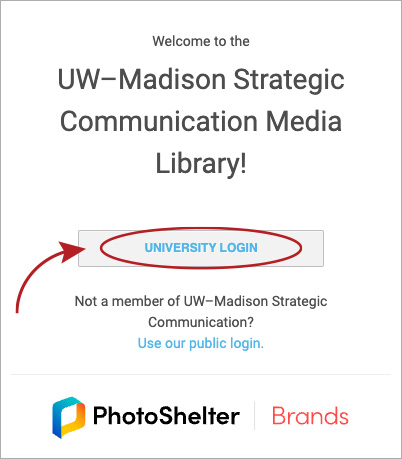
- If asked, supply your NetID username and password.
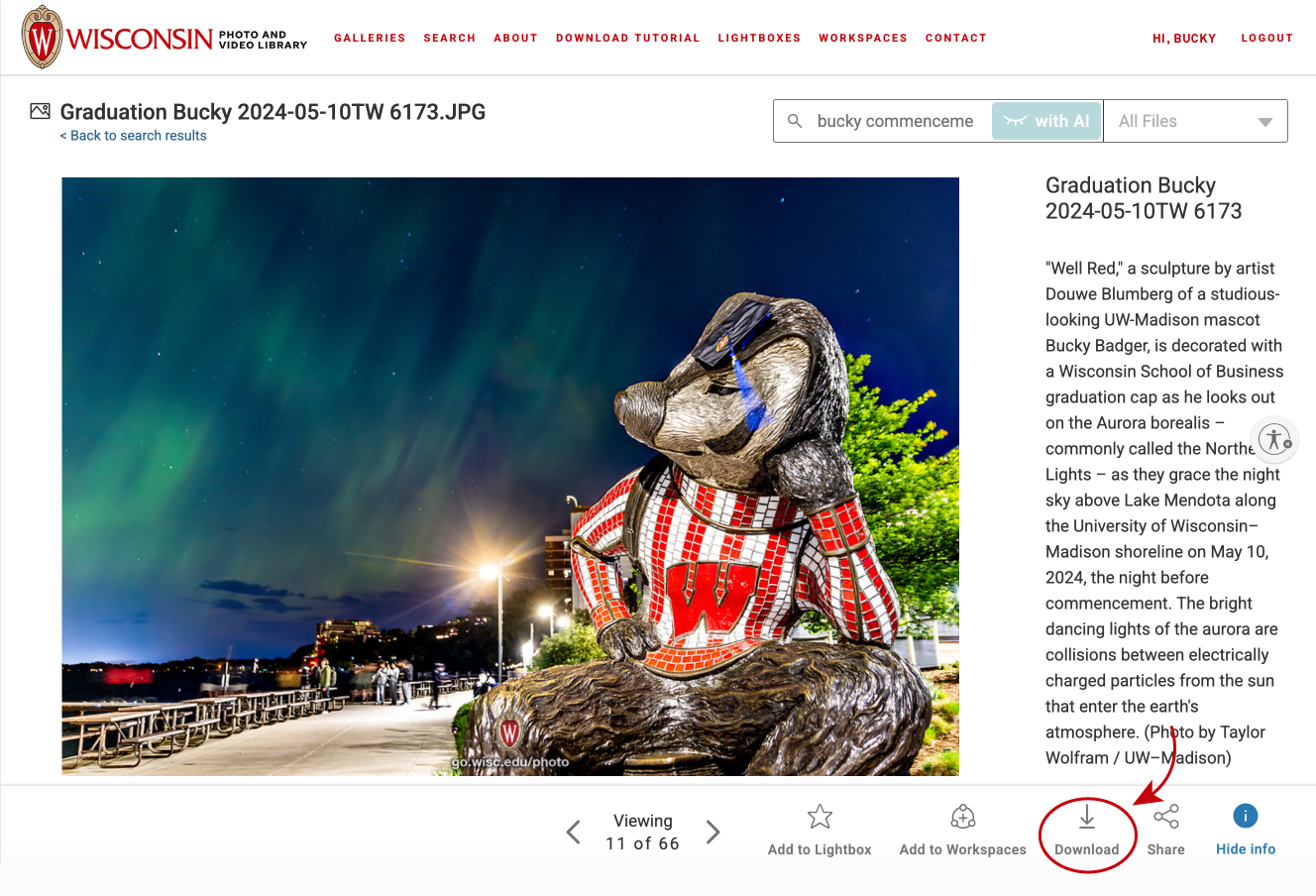
- You will now be logged in to the site and can download media by clicking the download icon on an individual image and video page or through any lightboxes you create.
If you have a UW email address not ending in wisc.edu (for example supportuw.org or uwhealth.org)
- Please send an email to bryce.richter@wisc.edu to request initial download access to the site. Please allow up to 24 hours for this request to be filled.
- You will receive an email response with instructions to finalize your account access. Follow those steps.
- Once you have been granted site access, click on the “login” link in the upper-right corner of the photo and video library webpage.
- Click on the “Use our public login” link.

- If asked, supply your NetID username and password.
- You will now be logged in to the site and can download media by clicking the download icon on an individual image and photo page or through any lightboxes that you create.
Download photos and videos
Once logged in to the site, images and videos can be downloaded by clicking the download icon on an individual media page or through any lightboxes you create.
Related resources


See all resources tagged with: