Applying the Brand in Print
Need to create a communications or marketing piece for print? We’ve got you covered. Here are some best practices, tools, and resources for printed communications at UW–Madison.
Working from scratch
We recommend keeping UW–Madison brand guidelines in mind. We provide the resources you need to stay on brand.

Colors
Our brand colors help you make an immediate connection to UW–Madison. We provide Badger Red as well as secondary colors.
Icons
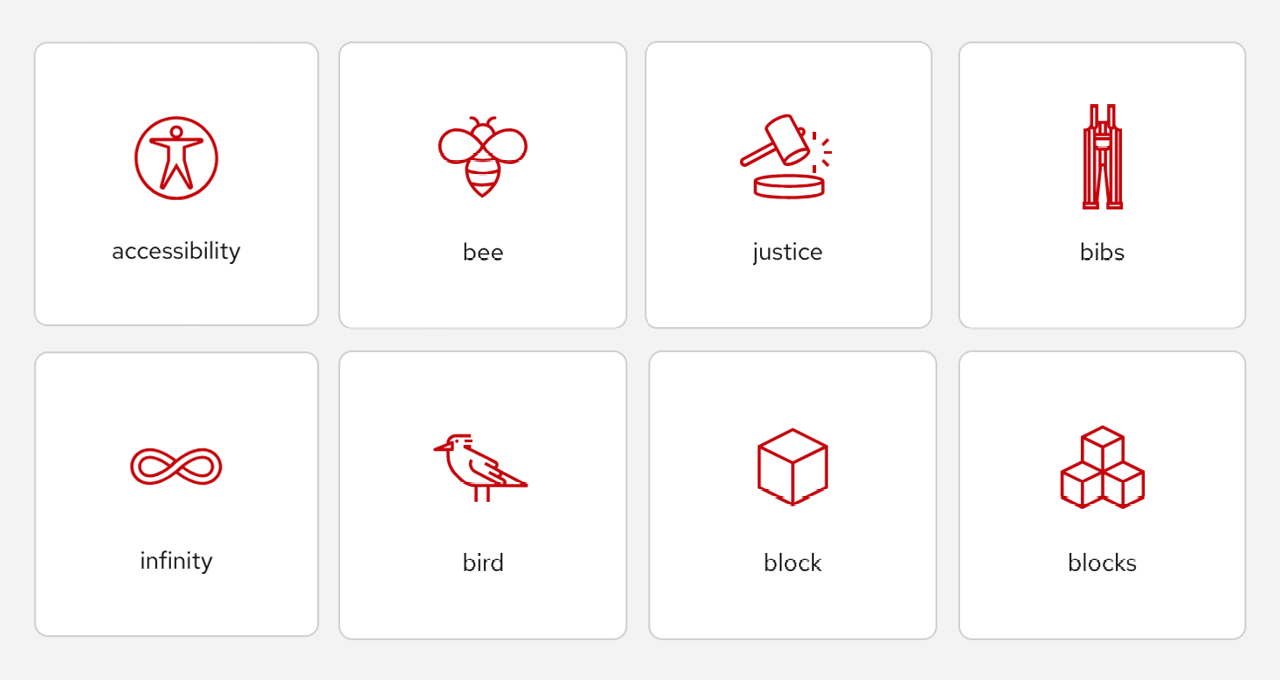
Our library of icons brings UW–Madison style to print and digital projects. Find icons to illustrate ideas, highlight information, and add visual interest.

Graphic elements
Graphic elements and textures add depth and character to designs. Use them in print and digital projects to bring the UW–Madison brand to life.

Illustrations
Our illustrations capture the places and things that make UW–Madison special. These line drawings share the visual style of our icons and can stand alone.

Logos
We recommend using an official W Crest departmental logo, and limiting the use of multiple logos on one piece.

Photography
The Office of Strategic Communication hosts an online photo library featuring thousands of UW–Madison photographs.
Working from templates
We encourage you to take advantage of Digital Publishing & Printing Services’s templates. They offer stationery, business cards, and envelopes, as well as award certificates.
The Office of Strategic Communication also offers templates for letterhead.
Available templates
Design
Not a design professional but need to create a flyer, one-pager, or brochure? We recommend using Adobe Express and logging in with your UW enterprise account.
The UW doesn’t have an enterprise account for Canva, so it’s not technically supported, but we have created a tip sheet for making branded Canva designs.
Need more help? Adobe offers guides to standard design practices, the layout process for print, and print design fundamentals.

QR codes
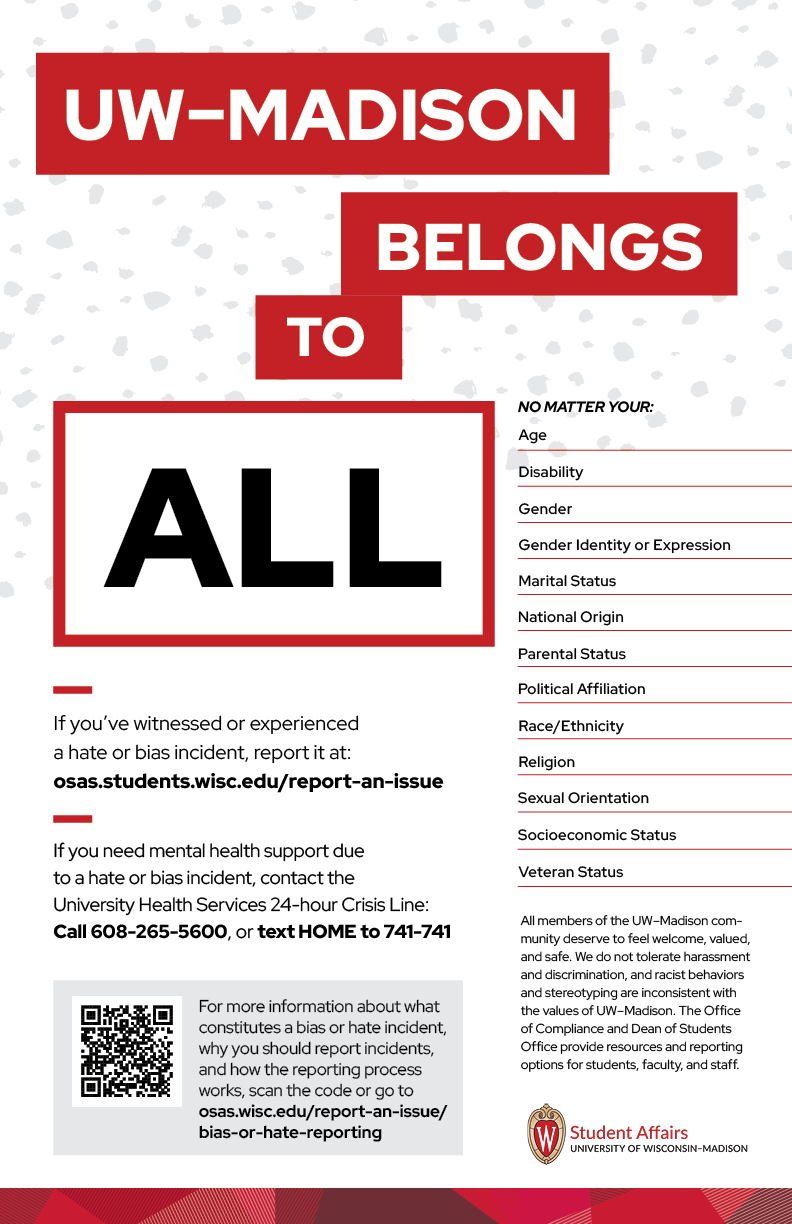
Want to make sure your use of QR codes follows best practices and helps you stay on brand? This poster is an example of good QR code usage because:
- it’s on a printed piece…
- it’s integrated into the overall design of the poster…
- it’s neither distractingly large nor too small to scan…
- there’s clear language telling viewers where the code will take them…
- the link in the code takes viewers to an action, and…
- the code’s URL is written out somewhere nearby for accessibility.
There is no official UW–Madison QR code generator, but these are generally trusted sources:
Printing
Ready to get your project printed? Digital Publishing & Printing Services (DPPS) can not only print on paper, but also on posters, boards, banners, specialty items, and more.
Questions? Contact DPPS to chat: printing@doit.wisc.edu, 608-262-3461