Videography
Video is one of the most dynamic and engaging storytelling tools for campus audiences. Our video assets can help you produce videos that stay visually aligned with the UW–Madison brand.
Establish style and tone in your videos
Our videos should feel purposeful, authentic, and engaging—built around real voices and meaningful stories. Each piece should be crafted for cross-platform flexibility while staying true to our brand’s visual and narrative identity.
Narrative-driven
Videos should have a clear purpose and story arc that aligns with the brand voice. The visual storytelling approach should be artful, honest, and engaging.
Multi-use by design
Create content for multiple platforms that can be edited to accommodate the final use. (15s-90s clips for social, longer formats for website, or a video magazine format).
Authentic voices
Showcase students, faculty, and alumni sharing their stories in their own words. Use testimonials or authentic stories to build a personal connection.
Engagement
Hook the viewer within the first 10 seconds with a compelling intro. For example, start with an impactful visual or a compelling quote.
Craft videos with care and precision
Proper production quality and careful technical considerations are essential for creating high-quality video work because they directly affect how the audience perceives the message. Elements such as lighting, sound, camera settings, and resolution ensure the visuals are clear, professional, and engaging.
- Lighting: Prioritize natural lighting with the addition of supplemental light sources that enhance available light when needed.
- Sound: Use external microphones (lapel, shotgun, or condenser) rather than onboard camera microphones. Always check audio levels before recording.
- Aspect ratio: Standard 16:9 for YouTube, social media, and website content. Vertical 9:16 for stories or mobile-first content.
- Frame rate: 24 or 30fps for general use, 60 or 120fps for capturing elements that can be played back in slow motion.
- Export and publishing: When uploading to YouTube or Vimeo, MP4 H.264 with AAC 128k (mono) / 384k (stereo) is the best format. Videos should be at least 1920 x 1080p
- Music: Ensure any music is licensed and aligns with the emotional tone of the piece.
Remember the basics
Start by reviewing the Use of Visuals policy. All video produced for UW communication and educational purposes should include the following:
- One of the branded video elements
- Copyright information (© 2026 Board of Regents of the University of Wisconsin System)
- A production credit (e.g., Produced by the Office of Strategic Communication)
- Closed captioning
Leverage the UW brand
If you are producing a video for campus use, remember that brand guidelines for logo usage also apply to the broadcast medium.
Intros and outros
The Office of Strategic Communication has developed UW-branded video intro and outro files for use by campus. It is especially important that you do not crop, compress, or alter the graphics in any way before saving; doing so will distort the graphic when you import it into your editing software.
Intros and outros
Our animated intros and outros feature a fade-in UW logo for the start and finish of your videos.

Lower thirds
Our branded lower third templates allow you to easily add speaker names and other identifying information to your videos.
Ensure accessibility
All video and audio produced by UW–Madison should be closed captioned. Read the Division of Information Technology’s guide to making videos accessible, which includes information on service providers holding contracts with the university for captioning and transcription.
PBS Wisconsin can provide captioning services, depending upon available staffing and work schedules; contact PBS Wisconsin’s Laurie Gorman for more information at 608-263-4106.
If you are unable to provide closed captioning, you must provide other alternative access to communication, such as a transcript. Please refer to the UW–Madison digital accessibility policy.
For more information on video requirements, contact us.
Additional transcription resources
UW Photo and Video Library
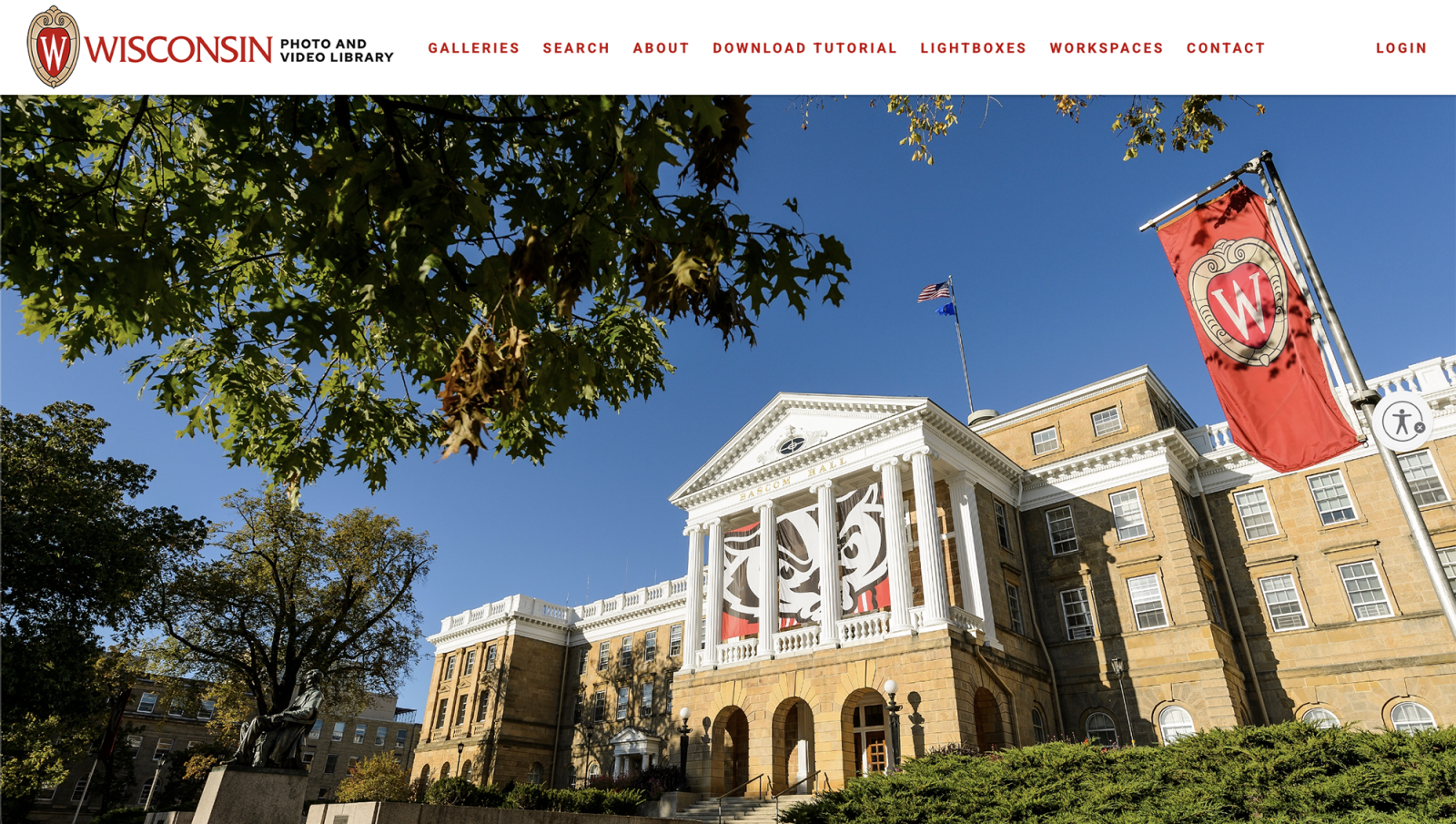
The Office of Strategic Communication photographers and videographers create and curate a wide range of visual content each year, with both timely editorial and lasting promotional uses in mind. More than 20,000 high-resolution photos, with caption context and credits, as well as a growing assortment of video reels, are available to campus units for free download on the UW Photo and Video Library. The video content is organized by common themes, often with multiple clips contained within a compilation reel.
Note: Much of the library’s content is created in an editorial context, so model releases are not available for many images in the collection. These images should not be used for marketing purposes without obtaining permission from any individuals depicted in an image.
Our office is expanding its efforts to create marketing-focused content that includes model releases for the people depicted. Those specific images are available in a dedicated Brand- and Marketing-Focused Gallery in the UW Photo and Video Library, which can be accessed directly here: Brand and Marketing-Focused Photos
Policies and tools
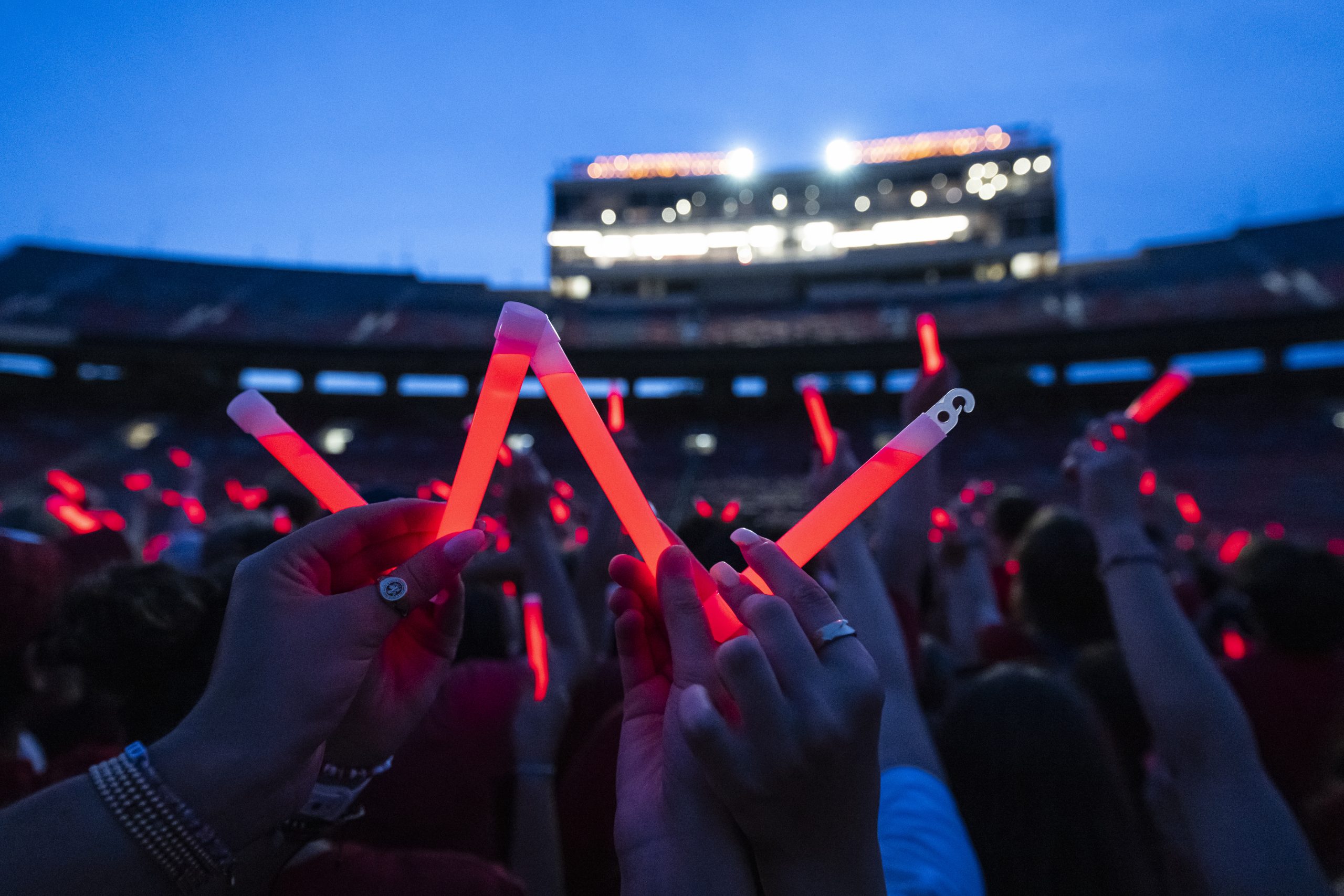
Use of visuals policy
The policy outlines standards for creating and using videography, photography, and other visuals for marketing and communications.

Use of imagery guidance
The guide offers best practices when creating photo and video for a variety of uses.
Drone policy
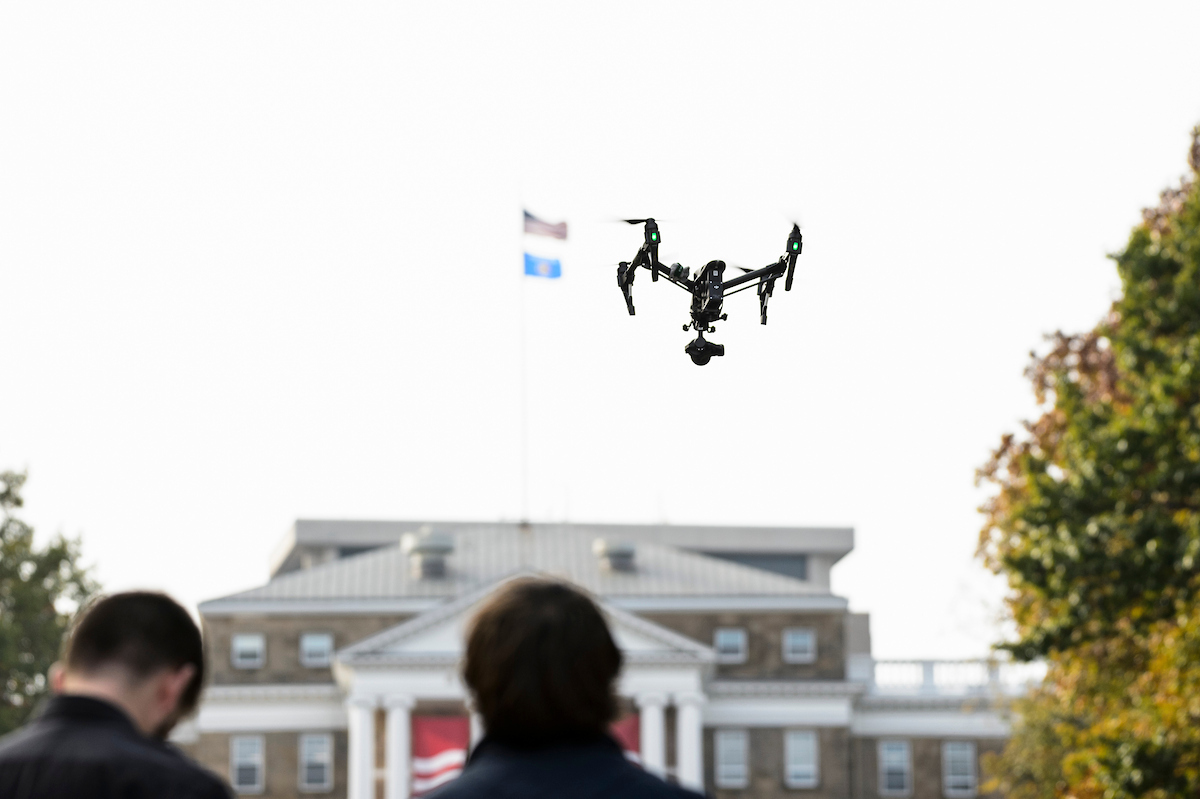
Drone use on campus is restricted and must be in accordance with the university UAS Policy. For more information, contact us.